The Core Infrastructure: Connecting AI Automation Tools for Small Business
Why n8n and Make.com are the real engine room of SME automation
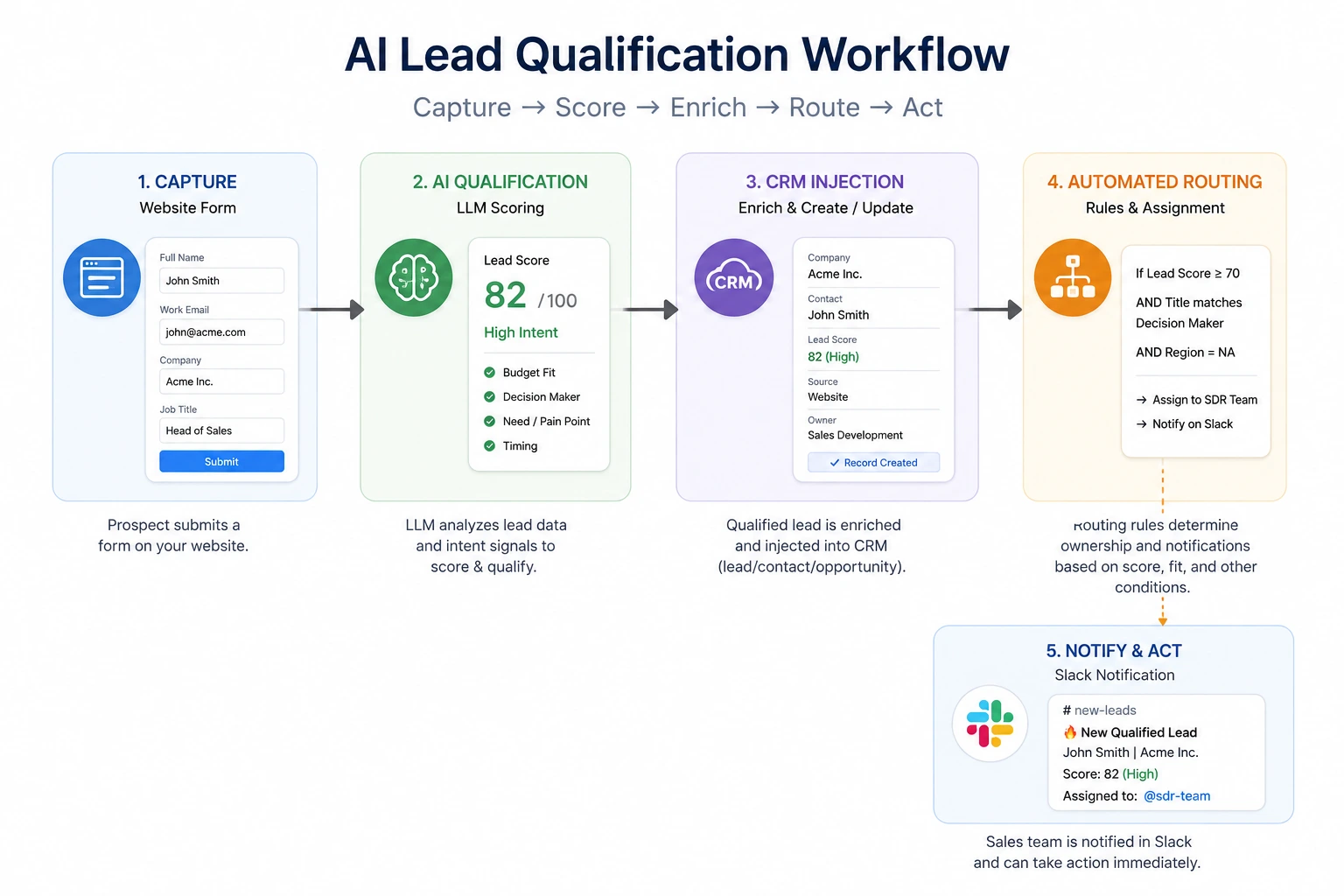
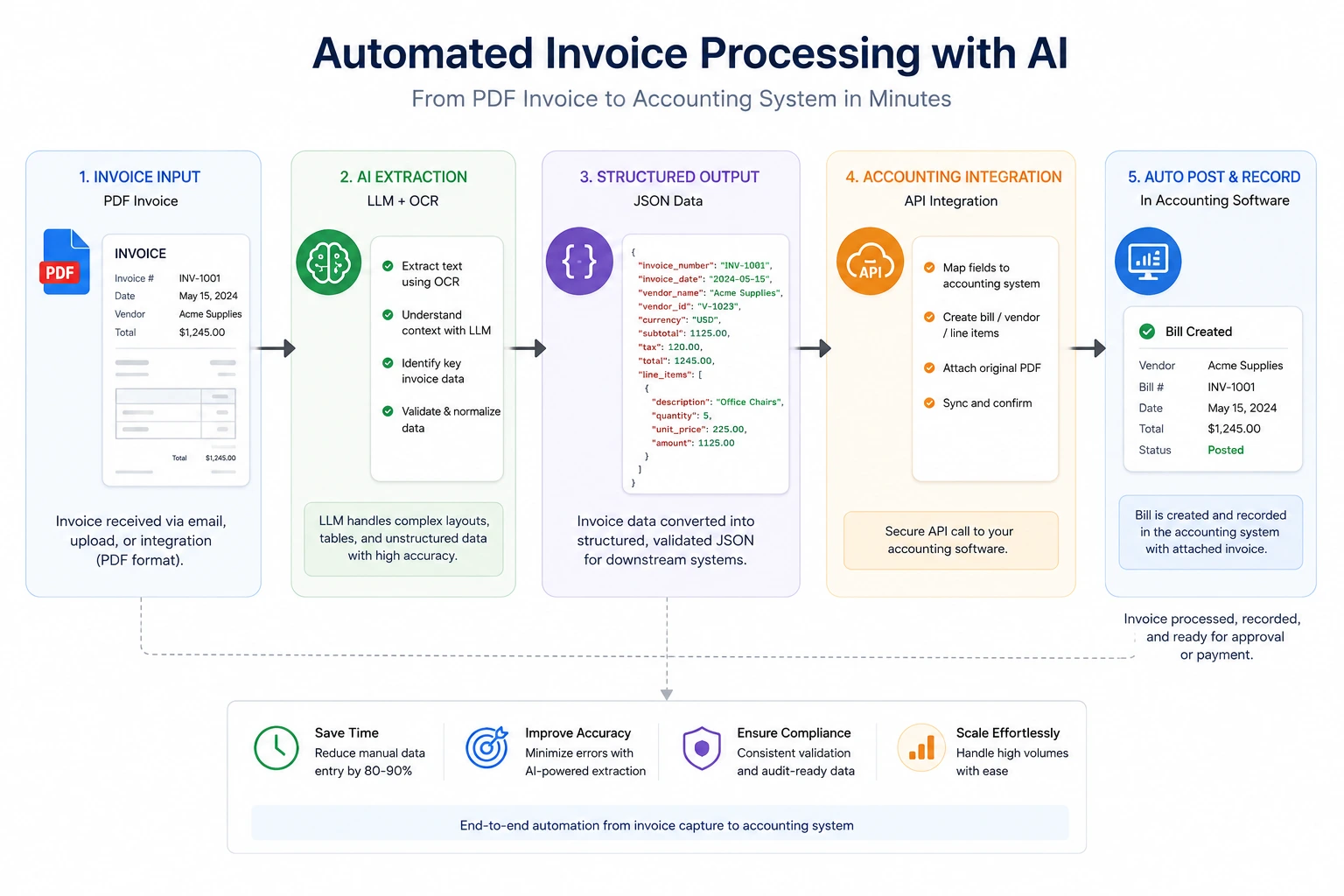
The single most important architectural decision any small business can make before buying AI automation tools for small business is choosing an orchestration layer. An orchestrator is the middleware that connects your specialized AI services — a lead scoring model, an invoice extractor, a support classifier — to your core business systems: CRM, accounting software, email, Slack, databases. Without it, you are manually gluing APIs together with fragile scripts that break when vendors update endpoints.
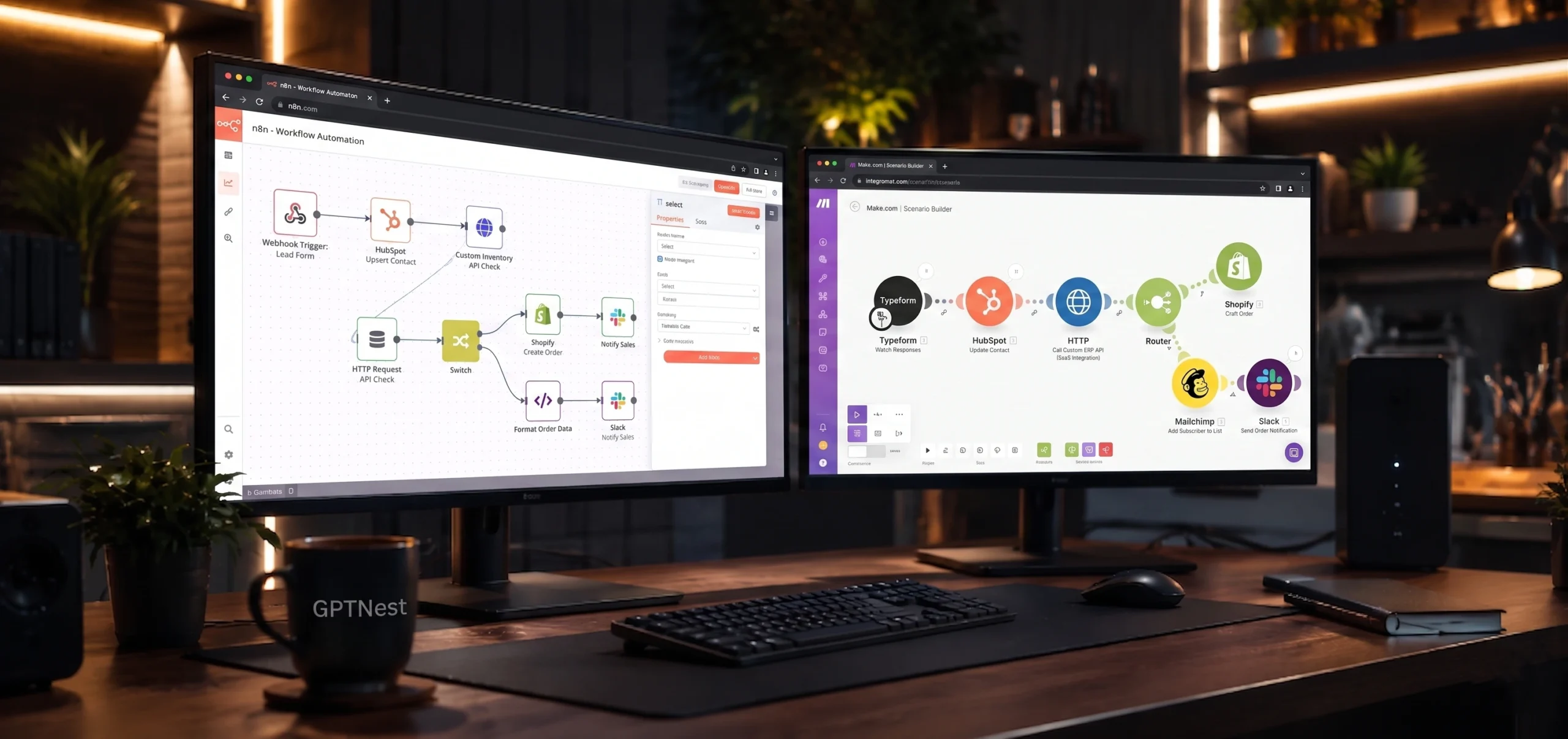
In 2026, the two dominant options for SMEs are n8n and Make.com (formerly Integromat). They are not interchangeable, and the choice has significant long-term implications. n8n is an open-source, self-hostable workflow automation platform with a node-based visual editor that exposes full JavaScript execution within workflows. Make.com is a SaaS-native orchestrator that prioritizes accessibility and has a more polished visual interface with thousands of pre-built app connectors.
n8n: When You Need Architectural Control
n8n is the right choice when data sovereignty matters, when workflows require custom logic that pre-built connectors cannot express, or when you are building something that needs to scale to thousands of executions per day without a linear cost increase. Because you can self-host on a $10/month VPS, the per-execution cost structure of SaaS orchestrators disappears entirely.
The architecture that works well for SMEs on n8n is a hub-and-spoke model: a central n8n instance receives webhooks from all your business touchpoints (form submissions, Stripe events, email inbound, CRM triggers) and routes them through specialized AI processing nodes before writing results to destination systems. Each processing node can call a different LLM endpoint — OpenAI for classification, Claude for extraction, a local model for sensitivity-flagged data.
Make.com: When Speed of Setup Outweighs Flexibility
Make.com wins when your business runs on mainstream SaaS tools — HubSpot, Notion, Shopify, Xero, Mailchimp — and you need reliable integrations without writing any code. Its connector library covers 1,500+ apps with pre-authenticated OAuth flows, meaning the setup time for a standard CRM-to-email automation is measured in minutes, not hours.
💡 The Hybrid Architecture
The most sophisticated SME stacks I have seen use both: Make.com handles the high-volume, commodity integrations between standard SaaS tools, while a self-hosted n8n instance handles any workflow that requires custom JavaScript logic, sensitive data processing, or direct database writes. This separates concerns cleanly and keeps costs predictable.